XD Landscape Is Now Available on the Autodesk Design and Make Marketplace
XD Landscape, our Revit plug-in for landscape modelling, is now live on the Autodesk Design and Make Marketplace. Here is what it does, who it is for and how to get started.

Anas ayoub
XD Landscape is now available on the Autodesk Design and Make Marketplace. You can download it today and try it free for 30 days.
Download XD Landscape and start your 30-day free trial →
Earlier this month I wrote about why we built XD Landscape. The short version is simple. Landscape is still the package most often drawn outside the model. I started my career at a landscape architecture practice, and I saw that gap from the inside. XD Landscape brings that work into Revit, where the rest of the project already lives.
What it does
XD Landscape adds its own tab to the Revit ribbon. The tools are grouped by the job they do.
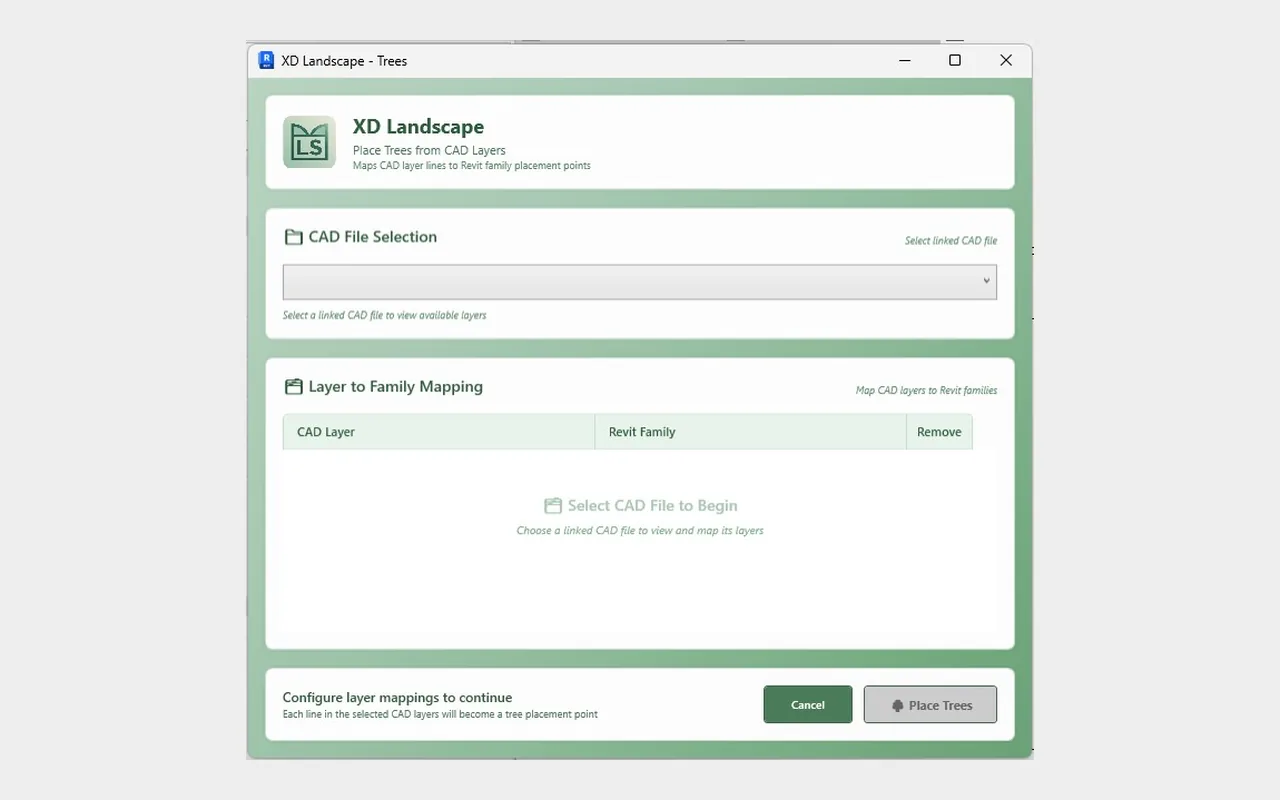
From linked CAD. Trees and Floor Layout turn the layers of a landscape CAD drawing into Revit trees and floors. Map each layer once and the elements are created for you.
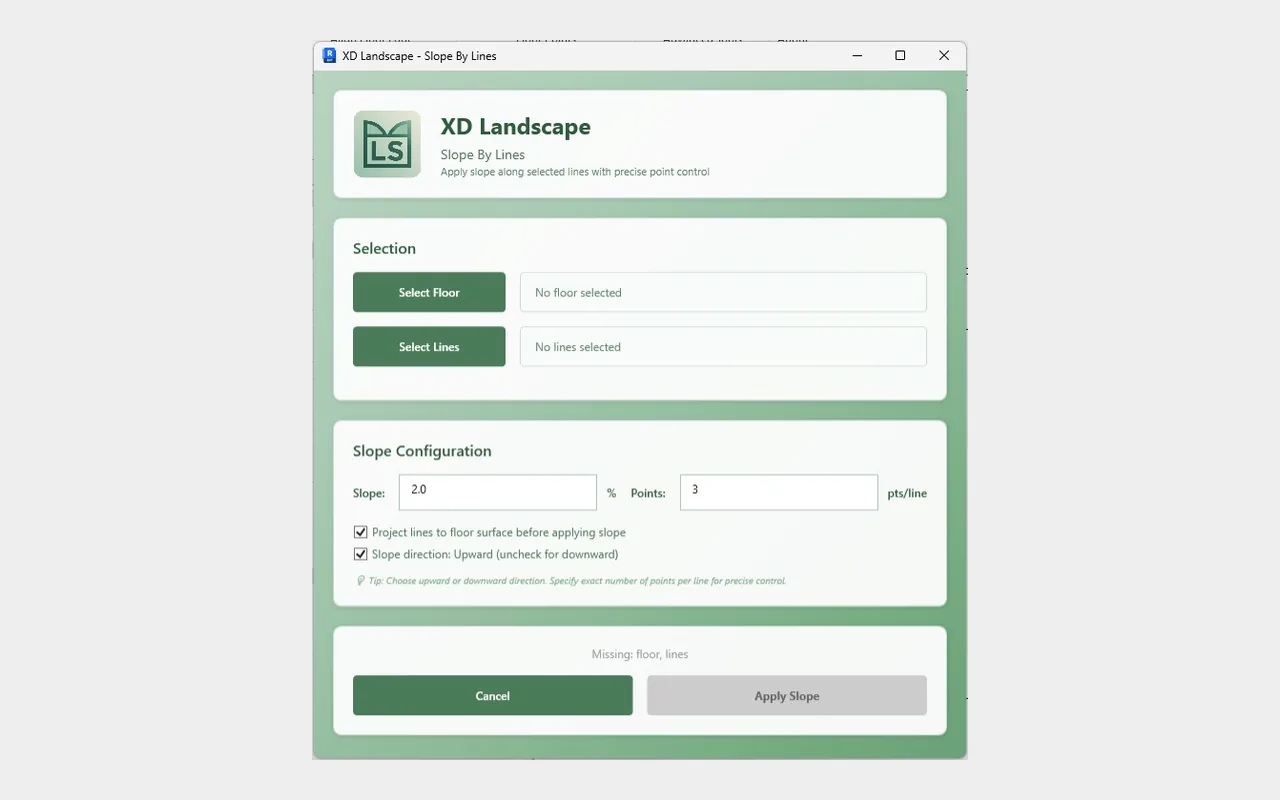
Levels and slopes. Elements Level and Slope by Lines set heights and falls across hardscape and planting areas.
Ground shaping. Line Mound and Topo Mound create mounds. Floor Band and GeoFam help with edges and landscape features.
Aligning to the ground. Align floors to the terrain and to neighbouring edges, and snap floor points to edges or surfaces.
Documentation. Filled Region by Face and Legend by Views produce the coloured plans and legends landscape drawings rely on.
Everything it creates is a native Revit element. No export, no second platform, no re-import.

Who it is for
Landscape architects and designers. BIM specialists and Revit users. Landscape consultancies and multidisciplinary practices that model external works in Revit.
Compatibility
XD Landscape supports Autodesk Revit 2023, 2024, 2025, 2026 and 2027.
Pricing
$49 a month, or $490 a year. The annual plan saves $98, around 17%. Every plan starts with a 30-day free trial. Purchase, billing and licences are handled through the Autodesk Design and Make Marketplace.
Get started
Open the XD Landscape listing on the Marketplace, start your free trial and install. For a tour of the tools, watch the demo on the XD Landscape page.

Tell us what you think
We built XD Landscape on live projects. The next version will be shaped by the teams using it. Tell us which tasks still take too long and what you want it to do next. Email support@xdhouse.co.
If XD Landscape saves you time, please leave a review on the Marketplace. It helps other landscape teams find it.
Download XD Landscape on the Autodesk Design and Make Marketplace →
Anas Ayoub
Founder and Digital Construction Director, XD House