01 / Why XD Landscape
Landscape modelling in Revit takes too long
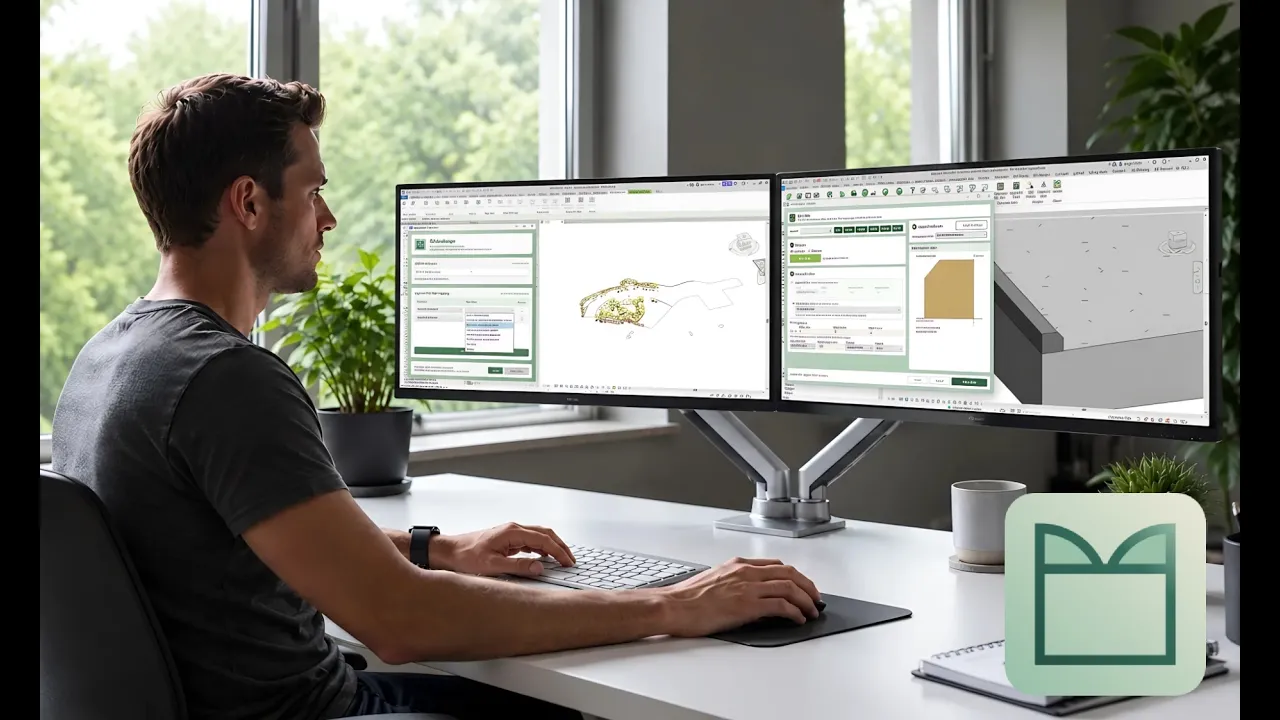
Revit was not built with landscape in mind. Teams end up redrawing CAD plans, placing plants one by one, editing topography point by point and fixing floor edges by hand.
The usual workflow
- 01Redrawing CAD planting plans and hard landscape areas in Revit
- 02Placing trees and plants one at a time
- 03Editing topography and slopes point by point
- 04Manually matching floor edges, kerbs and levels
With XD Landscape
- 01Map CAD layers to planting families and floor types in one pass
- 02Place planting automatically from CAD symbols and lines
- 03Create topography points along edges, faces and lines at set increments
- 04Align floor edges, add kerbs and apply slopes with dedicated commands
Everything XD Landscape creates is a native Revit element.

02 / Demonstration
In this overview
0:00 Trees from CAD
0:16 Floor Layout
0:28 Surface Groove
0:42 Floor Kerb
1:21 Topo Mound
1:44 Align Floor Edge
2:11 Cast Shadow
2:30 Elevation Map
03 / Features
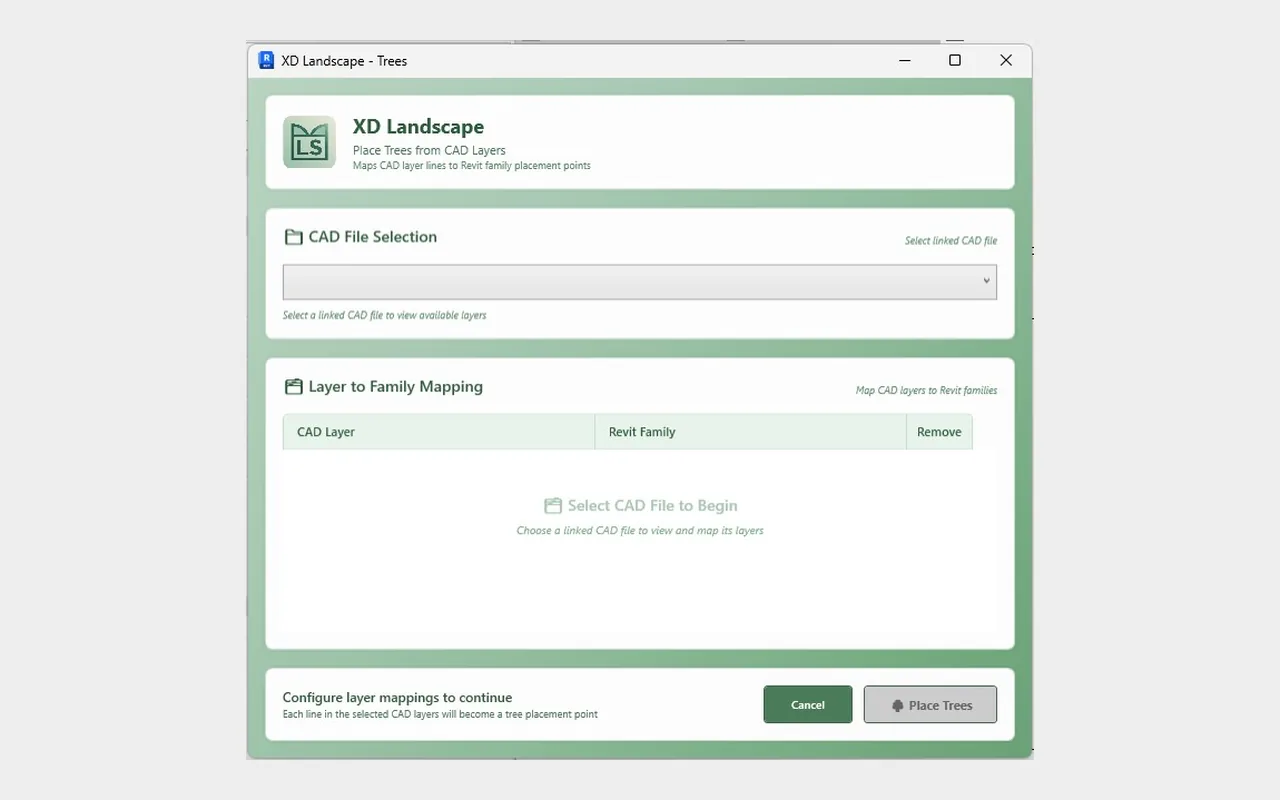
CAD to planting
Benefit: planting plans become model elements, not redraws.

CAD to floors
Benefit: hard and soft landscape areas modelled in one pass.

Landforms and mounds
Benefit: check the form first, then commit.
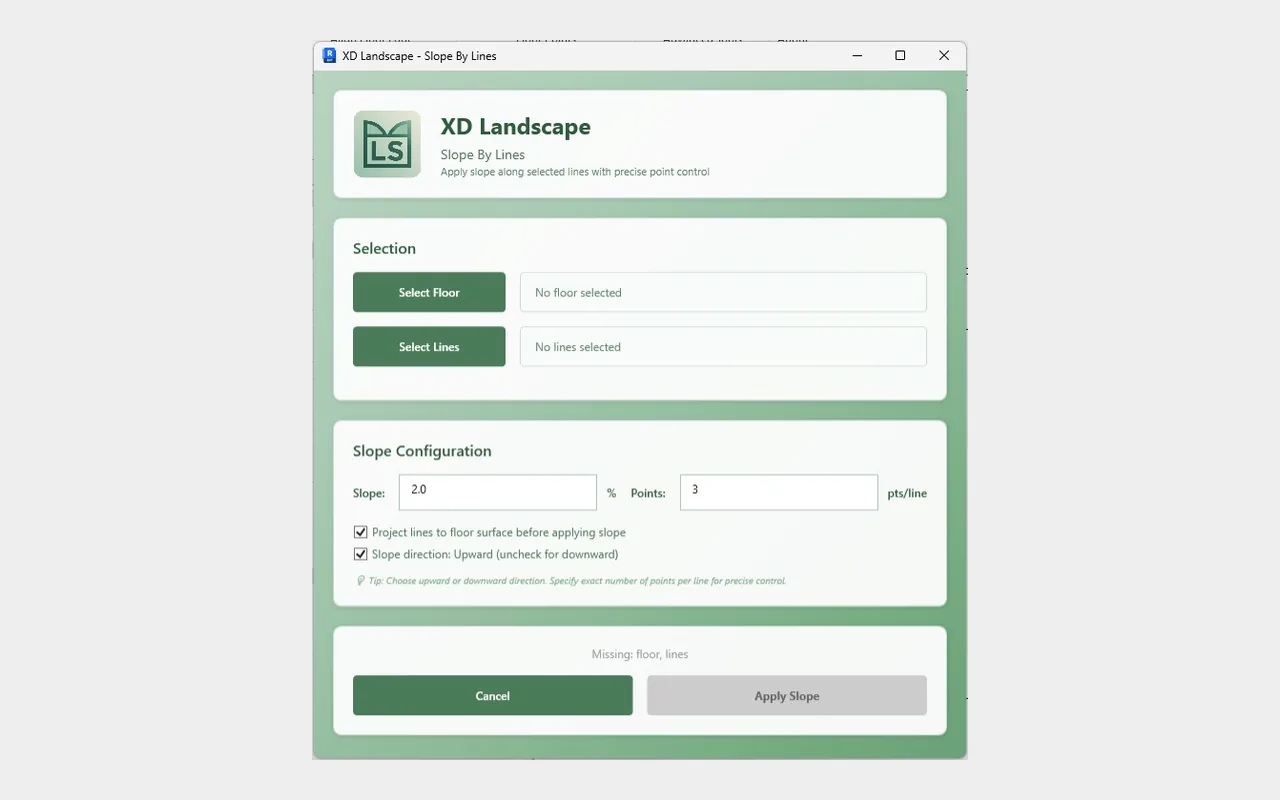
Slopes and levels
Benefit: precise falls without manual point editing.

Edges, kerbs and bands
Benefit: hardscape that meets cleanly.
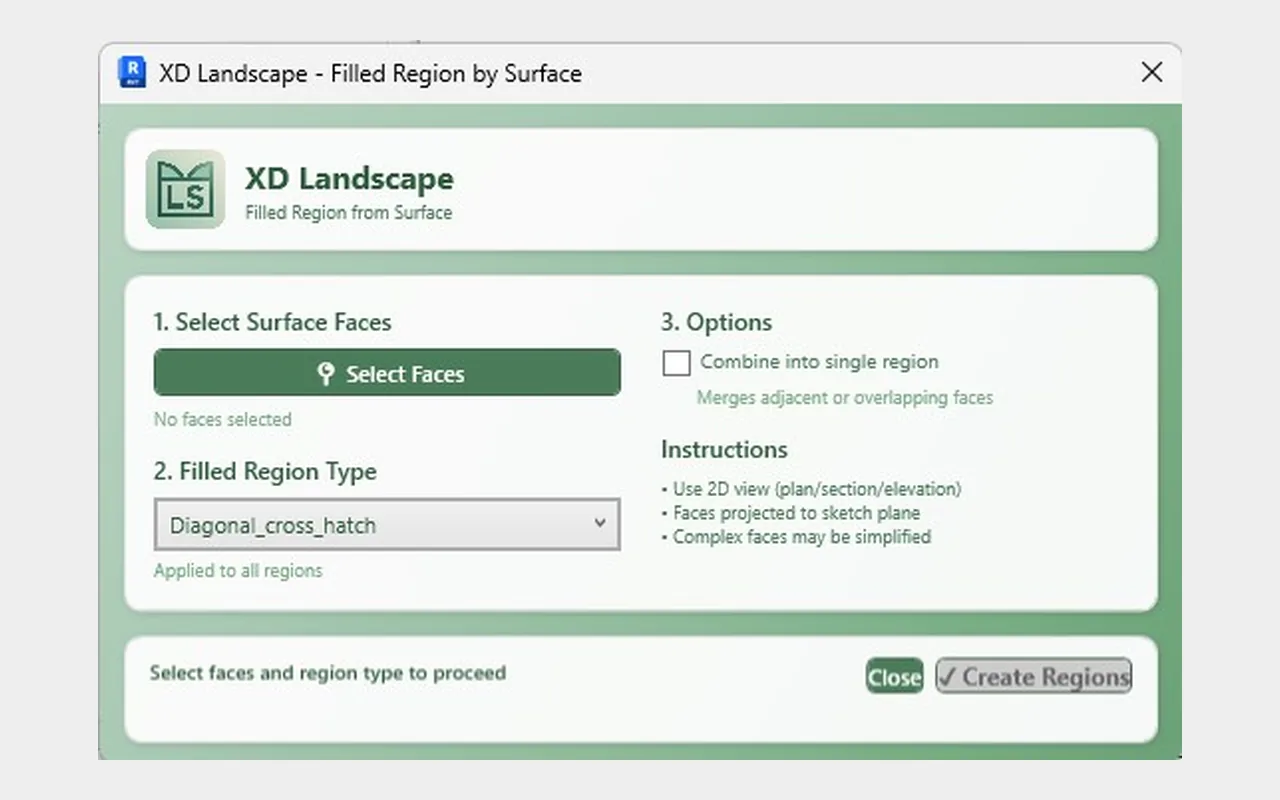
Documentation from the model
Benefit: drawings that follow the model.
Download XD LandscapeFrom $49/month
04 / Who it is for
Landscape architects and designers
Multidisciplinary practices
BIM specialists and Revit users
Landscape consultancies
05 / Pricing
Simple subscription pricing
Choose monthly or annual billing, and try it free for 30 days first. Subscriptions are purchased and managed through the Autodesk Design and Make Marketplace.
Monthly
$49/ month
Billed monthly in USD
- Monthly billing
- Flexible subscription
- Full access to XD Landscape
- Suits users who prefer monthly payments
Best value · Save 17%
Annual
$490/ year
About $40.83/month, billed annually in USD
Save $98 a year compared with monthly billing
- Annual billing
- Full access to XD Landscape
- Suits professionals and teams using XD Landscape regularly
Prices in USD. 30-day free trial available on the Marketplace listing. Purchase, billing and licence management are handled by the Autodesk Design and Make Marketplace. Compatible with Revit 2023–2027.
06 / FAQ
Frequently asked questions
What is XD Landscape?
XD Landscape is a plugin for Autodesk Revit, developed by XD House. It adds a dedicated ribbon tab with tools for converting CAD to planting and floors, aligning topography to elements, creating mounds and slopes, aligning floor edges and producing documentation.
Who is XD Landscape designed for?
Landscape architects and designers, BIM specialists and Revit users, landscape consultancies and multidisciplinary practices that model external works in Revit.
How do I download XD Landscape?
Open the XD Landscape listing on the Autodesk Design and Make Marketplace, sign in with your Autodesk account and choose a plan. The installer is provided through the Marketplace.
Where can I buy a subscription?
Subscriptions are sold through the Autodesk Design and Make Marketplace. Use the Download or pricing buttons on this page to go straight to the listing.
What is the difference between monthly and annual billing?
Monthly costs $49 per month. Annual costs $490 per year, which works out at about $40.83 per month and saves $98 a year (around 17%) compared with paying monthly.
Is there a free trial?
Yes. XD Landscape comes with a 30-day free trial. Start it from the Marketplace listing with the Start free trial button.
Which Revit versions are supported?
XD Landscape is listed as compatible with Autodesk Revit 2023, 2024, 2025, 2026 and 2027.
How do I get technical support?
Email support@xdhouse.co or use the Support tab on the Marketplace listing. Please include your Revit version and a short description of the issue.